
Every customer relationship runs on conversations, and most of those conversations happen over email. How quickly your team responds influences customer satisfaction, sales conversions and the way your brand is perceived. Still, many organizations have no reliable way to see how their teams perform. Adit Microsys has put together this guide to help you build a clear, practical approach to tracking and improving email response time.
In this guide
- Why response time matters to the business
- The most common barriers to faster replies
- A five-part framework you can apply in your team
- The metrics worth measuring
- Answers to frequently asked questions
Why Email Response Time Is a Business Priority
Email response time is often treated as a support-team detail. In reality, it affects the whole organization.
Customer experience. Customers expect timely, reliable communication. Prompt replies strengthen trust, while delays create doubt, even when the final answer is correct.
Revenue. Sales enquiries are time-sensitive. A team that replies first is usually the team that is considered first.
Risk management. For teams working under service level agreements (SLAs), a missed reply can mean a missed commitment, and sometimes a damaged contract relationship.
Team performance. Clear response data shows where workloads are uneven, where processes break down and where coaching will help.
Common Barriers to Faster Replies
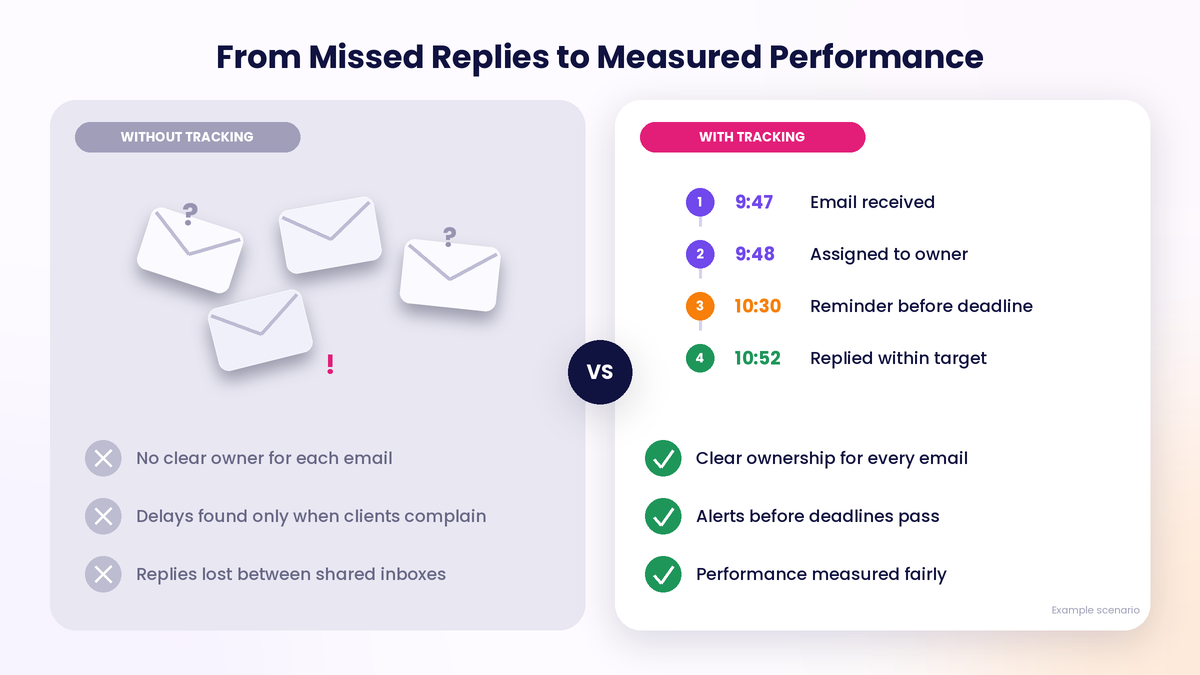
Most delays are caused by gaps in process and visibility, not by lack of effort. The most frequent issues are:
| Barrier | What happens |
| Unclear ownership | Several people see an email, and each assumes someone else will respond. |
| No deadline visibility | Teams cannot tell how much time is left before a reply becomes late. |
| Weak prioritization | Urgent client emails are buried under newer, less important ones. |
| Manual tracking | Spreadsheets and memory fail when volumes grow. |
| Unfair measurement | Nights, weekends and holidays distort response-time numbers. |
A Five-Part Framework for Better Response Times
- Define: Set Clear Targets
Start by deciding what an acceptable response time looks like. Different email types, such as support, sales and billing, deserve different targets. Set expectations by client, client group or priority, and define your business hours and holidays so that every measurement stays fair.
- Monitor: Make Every Email Visible
Give your team a live view of which emails are waiting, how much time remains and which ones are already overdue. A priority inbox that ranks messages by deadline helps people focus on what needs attention first, not just what arrived last.
- Alert: Act Before Deadlines Pass
Alerts are most valuable when they arrive early. Due-soon notifications give people time to respond, and overdue alerts make sure delays are handled promptly. Smart assignment, based on workload or rules, makes sure every email has an owner from the moment it arrives.
- Measure: Track the Right Metrics
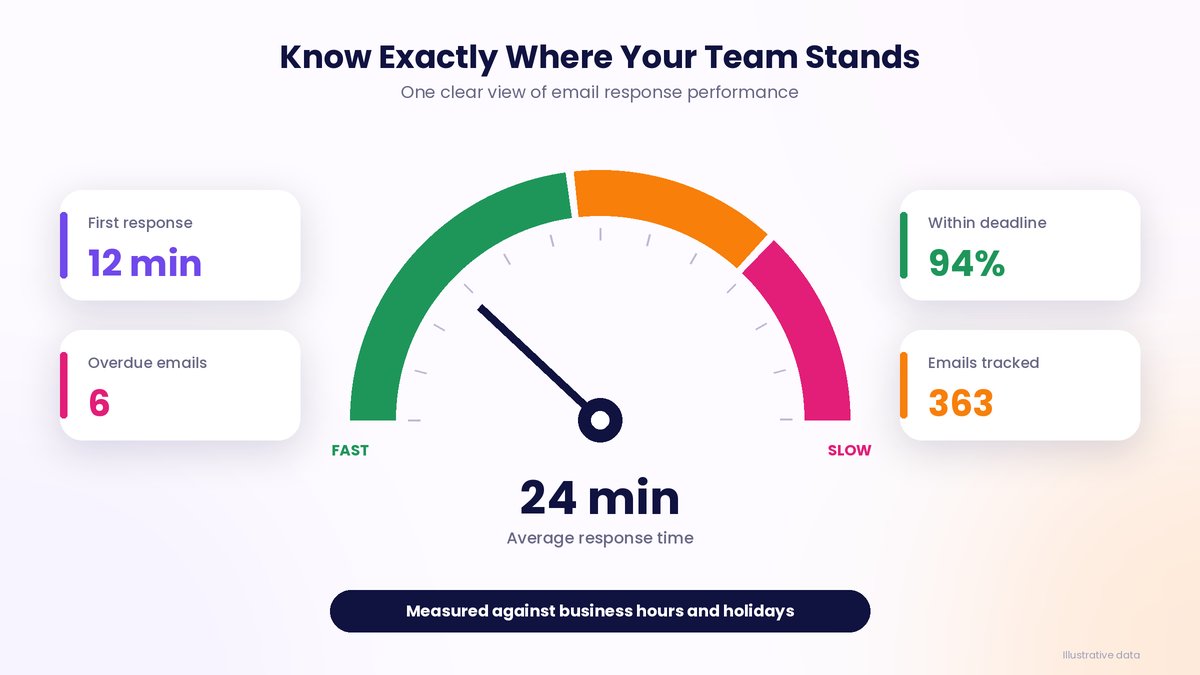
Focus on a few meaningful indicators and review them regularly.
| Metric | What it tells you |
| First response time | How quickly customers receive an initial reply |
| Average response time | Overall team responsiveness |
| Overdue emails | Where deadlines are being missed |
| Performance against deadlines | How well targets are being met |
| Trend over time | Whether the team is improving |
Always calculate these using business hours and holidays, so results reflect real working conditions.
- Improve: Review and Refine
Review reports on a regular schedule, weekly or monthly, and look for patterns. Slow replies on certain days may point to staffing gaps. Delays for particular clients may call for different deadlines or assignment rules. Share the findings with the team and adjust the process. Small, steady changes produce the best long-term results.
How ReplyTrack Supports the Framework
ReplyTrack, from Adit Microsys, is an email response-time management platform designed for customer-facing teams. It gives leaders a live view of response performance without asking agents to change how they work.
- Define: reply deadlines by client, client group or priority
- Monitor: a smart priority inbox and a side panel inside Outlook and Gmail
- Alert: due-soon and overdue notifications, in the app and by email
- Measure: individual and team dashboards, leaderboards and conversation drill-down
- Improve: scheduled reports in PDF or Excel, with an audit trail of configuration changes
It works with Microsoft 365, Gmail and on-premises Exchange.
Frequently Asked Questions
What is a good email response time?
It depends on your industry, the type of email and your client agreements. The best approach is to set targets for each category of email and review them regularly.
Should nights, weekends and holidays count toward response time?
In most cases, no. Measuring against business hours and holidays gives a fairer and more accurate picture of team performance.
How often should we review response-time data?
Weekly reviews help managers act quickly, while monthly reports are useful for spotting longer-term trends.
Do agents need to change how they work?
Not necessarily. The right tool works alongside Outlook or Gmail, so teams can keep using the tools they already know.
Conclusion
Faster email replies are the result of a clear system: defined targets, full visibility, timely alerts, fair measurement and regular review. Teams that build this discipline respond faster, miss fewer follow-ups and earn stronger customer trust.
To see how this works in practice, explore ReplyTrack by Adit Microsys.