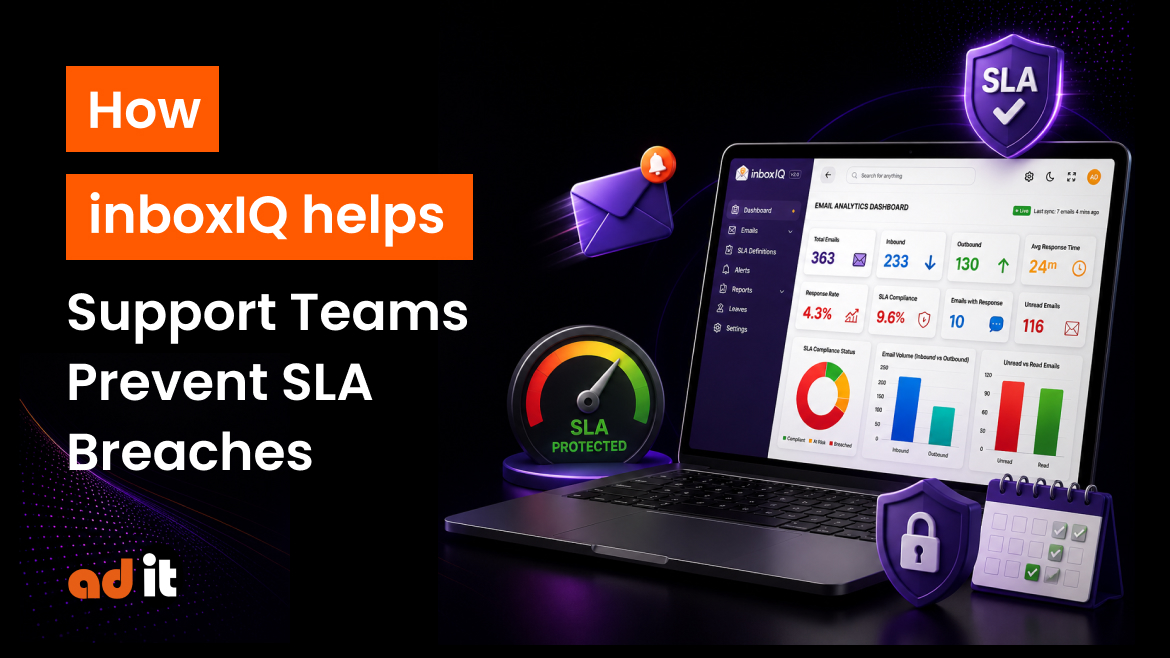
Customer support teams handle dozens or even hundreds of emails every day. When response deadlines are managed manually, it can become difficult to know which emails need immediate attention, which conversations are overdue, and how much time remains before a response commitment is missed.
For businesses that work with defined Service Level Agreements (SLAs), missing a response deadline can create customer dissatisfaction and unnecessary escalations. InboxIQ by Adit Microsys helps customer-facing teams gain visibility into email response times, track deadlines, and take action before an SLA is breached.
What Is an SLA Breach?
An SLA defines a formal response deadline for a customer, team, or priority. For example, a business may have different response targets depending on the customer or urgency of an email.
The challenge is not simply setting these deadlines. The real challenge is monitoring them continuously.
When support teams rely on shared inboxes, spreadsheets, or manual follow-ups, managers may not know which conversations are approaching their deadlines. InboxIQ addresses this visibility gap by tracking response-time performance against the deadlines defined for clients, groups, or priorities.
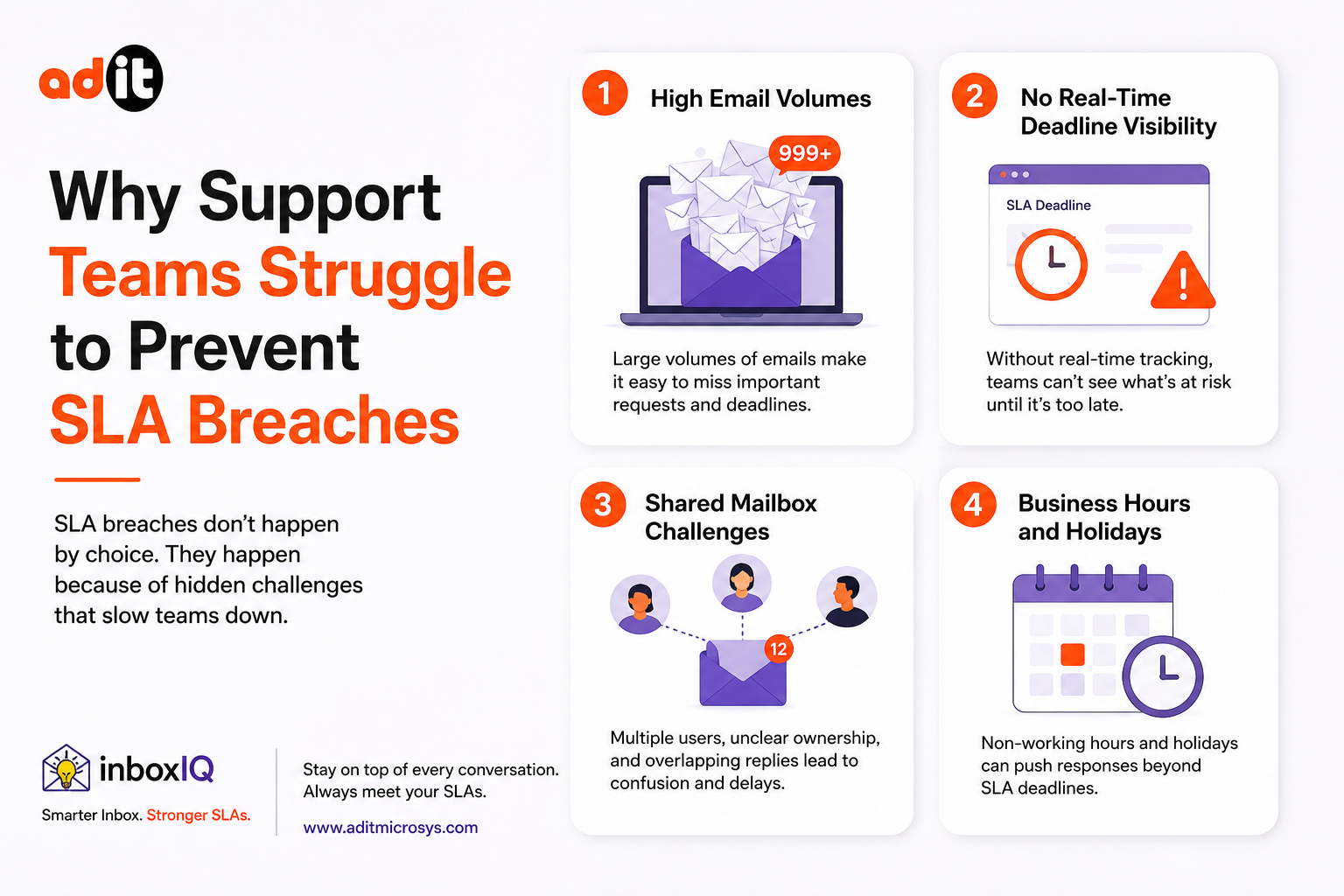
Why Support Teams Struggle to Prevent SLA Breaches
- High Email Volumes
Customer-facing teams can receive a large number of emails every day. Important requests can easily get buried among routine conversations.
Without centralized visibility, it becomes difficult to identify which emails require an immediate response.
- No Real-Time Deadline Visibility
SLA commitments may exist in contracts or internal policies, but that does not mean teams can see the remaining response time in real time.
InboxIQ provides deadline status and time-remaining information inside Outlook, while managers can view team-wide performance through a live dashboard.
- Shared Mailbox Challenges
Shared mailboxes can make it difficult for managers to understand individual and team performance. An email may remain unanswered without anyone having a clear view of who is responsible for it.
InboxIQ provides visibility into conversation status, response deadlines, and team performance, helping managers identify emails that require attention.
- Business Hours and Holidays
Response-time calculations can become inaccurate when weekends, holidays, and different working schedules are not considered.
InboxIQ calculates response times using business hours, holidays, and site-specific working calendars. This helps organizations track SLA performance according to their actual operating schedules.
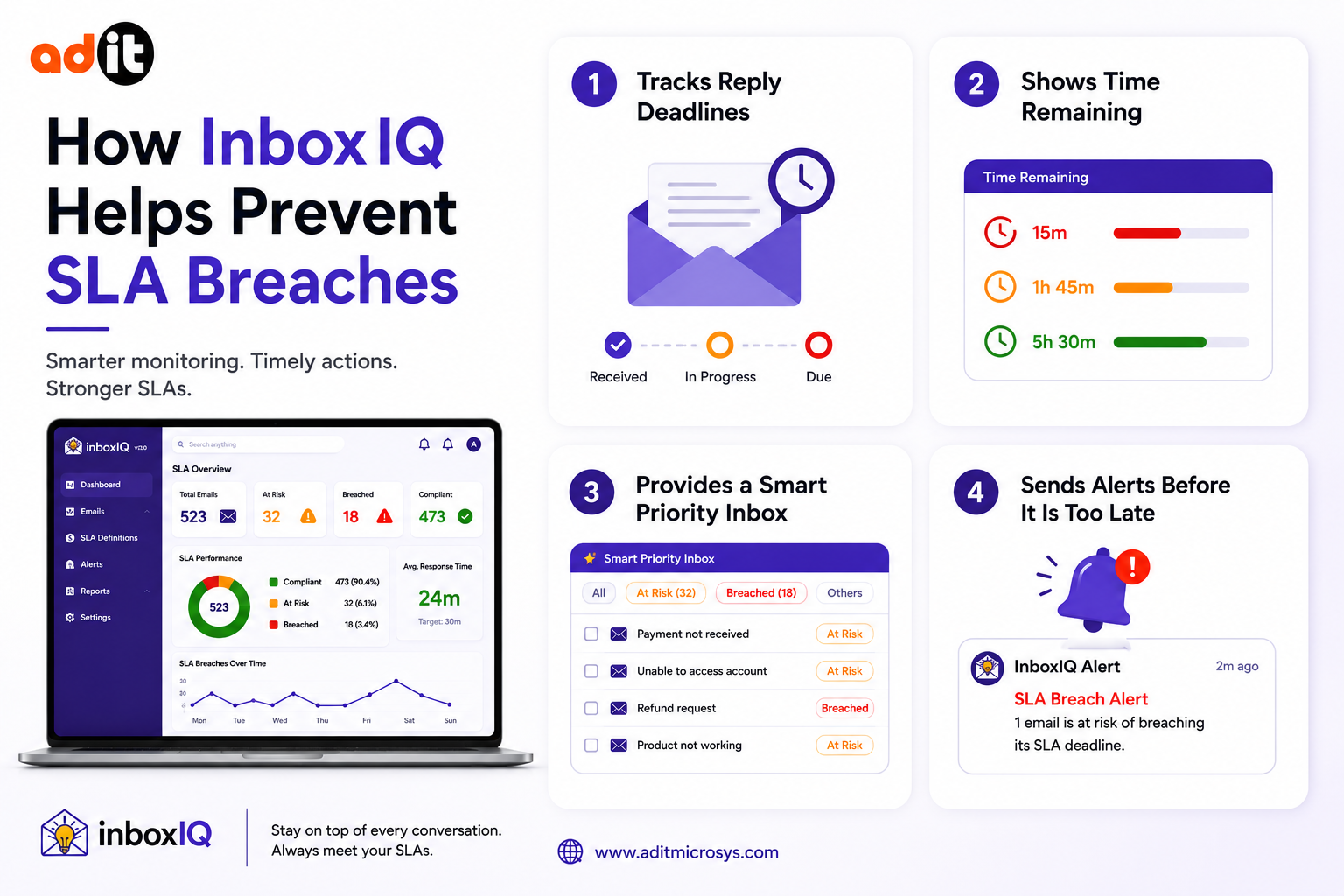
How InboxIQ Helps Prevent SLA Breaches
- Tracks Reply Deadlines
InboxIQ allows businesses to define response targets based on client, client group, or priority. The platform tracks these deadlines and provides automatic alerts when a reply is approaching its deadline or has already become overdue.
This allows support teams to focus on time-sensitive conversations instead of manually checking every inbox.
- Shows Time Remaining
Knowing that an email needs a response is useful. Knowing exactly how much time remains is even more valuable.
InboxIQ adds deadline status and time-remaining information to the team’s existing email environment. Support agents can see what is overdue and what needs attention before the deadline arrives.
- Provides a Smart Priority Inbox
InboxIQ’s Smart Priority Inbox surfaces overdue and due-soon emails using deadline-aware scoring. This helps teams identify conversations that require attention based on response deadlines rather than relying only on generic inbox sorting.
This approach helps support teams prioritize their workload and focus on emails that could otherwise become SLA breaches.
- Sends Alerts Before It Is Too Late
Waiting until an SLA has already been breached is a reactive approach.
InboxIQ provides in-app and email alerts when a response is at risk. Scheduled performance reports can also be delivered to managers, giving leadership a clearer view of response performance.
These alerts help teams take action while there is still time to respond.
Keep Working in Outlook
One of the key benefits of InboxIQ is that teams do not have to completely change the way they work.
InboxIQ works within the existing email environment. Teams can continue using Microsoft Outlook, while InboxIQ adds deadline timers, response metrics, and status information through its panel. A Chrome extension is also available for Gmail and Outlook on the web.
This makes SLA monitoring part of the existing workflow rather than requiring employees to constantly switch between different applications.
Give Managers a Clear View of Team Performance
Preventing SLA breaches is not only an agent-level responsibility. Managers need visibility across the entire team.
InboxIQ provides team performance dashboards with individual and team KPIs, leaderboards, and conversation-level drill-downs. The dashboard is updated live, helping managers identify response-time issues and understand where additional attention may be required.
Instead of asking, “Did we reply to that customer?”, managers can use a centralized view to understand the status of customer conversations.
Smart Assignment Helps Route Emails
Another way to reduce response delays is making sure emails reach the right person.
InboxIQ includes Smart Assignment, which can route emails to the appropriate team member based on workload or defined rules. Better assignment can help prevent emails from sitting unattended in a shared inbox.
For growing customer support teams, this can help create a more organized approach to handling incoming customer communication.
Accurate SLA Reporting
SLA reporting is only useful when response times are calculated correctly.
InboxIQ calculates response-time metrics such as first-reply time, average response time, and volume trends using business hours. Organizations can also define working calendars and holidays for different sites.
The platform provides scheduled reports that can be delivered automatically and exported to PDF or Excel, giving managers a structured way to review performance.
Works With Existing Email Systems
InboxIQ is designed to work with email systems that businesses already use. The platform supports Microsoft 365, Gmail, and on-premises Microsoft Exchange through EWS. It also provides an Outlook add-in and Chrome browser extension.
This makes it suitable for organizations that want to improve email response-time management without replacing their existing email infrastructure.
Move From Reactive Support to Proactive SLA Management
Without real-time visibility, organizations may discover an SLA problem only after a customer has already followed up or escalated the issue.
InboxIQ changes this approach by providing visible deadlines, response-time monitoring, alerts, priority-based email handling, and centralized dashboards. Teams can identify conversations that are due soon and take action before they become overdue.
The result is a more proactive approach to customer email management.
Conclusion
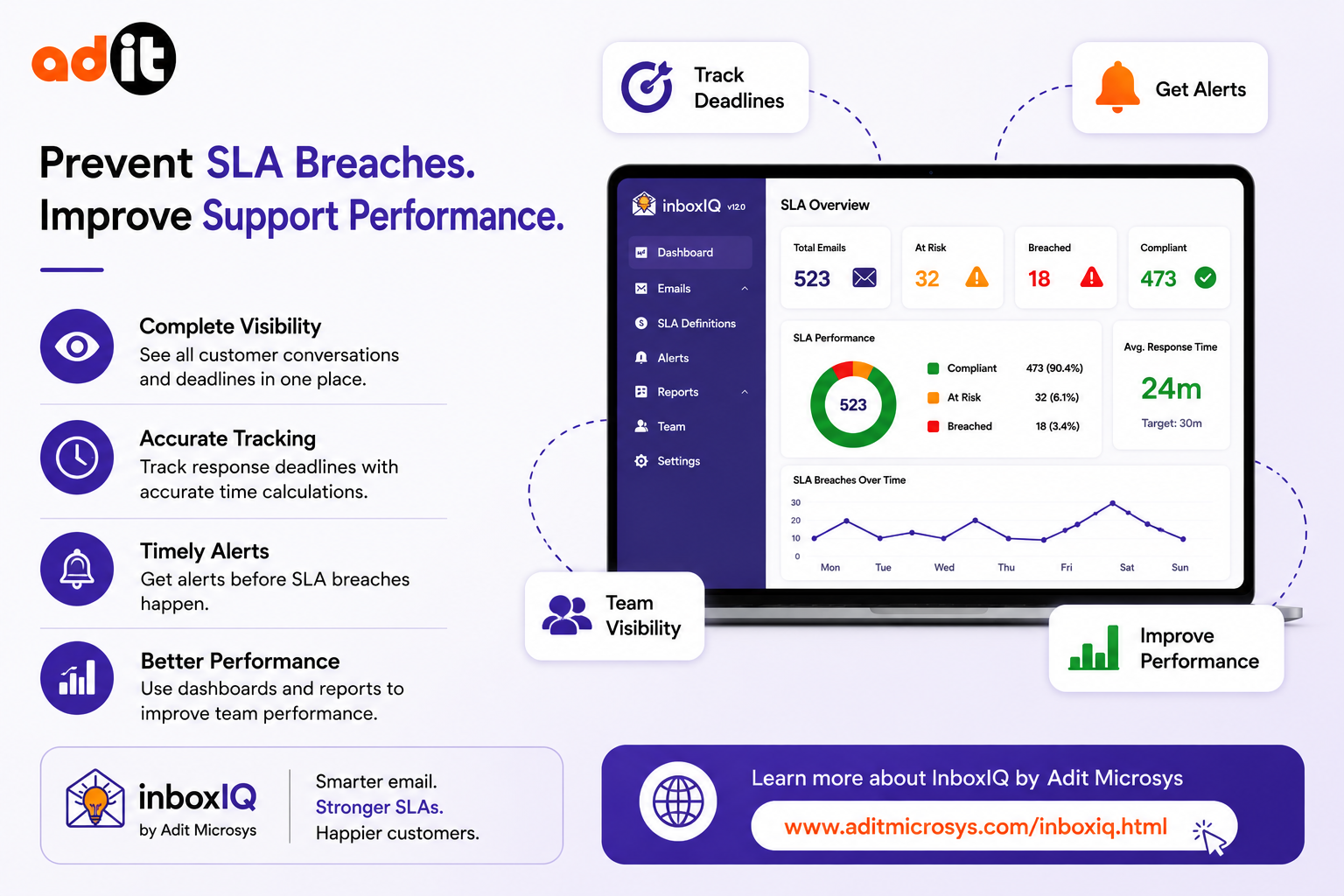
Preventing SLA breaches requires more than defining response-time targets. Support teams need continuous visibility into customer conversations, clear deadlines, accurate response-time calculations, and timely alerts.
InboxIQ by Adit Microsys brings these capabilities together in a platform designed for customer-facing email teams. From deadline tracking and smart prioritization to team dashboards, alerts, reporting, and email-system integrations, InboxIQ helps organizations monitor response performance and act before important customer emails become overdue.
For businesses looking to improve SLA management, email response time, customer support visibility, and team performance, InboxIQ provides a practical way to bring greater control to the customer email workflow.
Learn more about InboxIQ by Adit Microsys: https://www.aditmicrosys.com/inboxiq.html